
Appearance
HTML/Liquid
Add custom HTML and Liquid code to your store with complete control and flexibility.
The HTML/Liquid section allows you to insert custom HTML and Liquid code anywhere on your page. This is perfect for adding custom widgets, embeds, scripts, dynamic content, or any other code that you want to display on your store.
Whether you need to integrate third-party tools, create custom layouts, add interactive elements, or display dynamic content using Shopify's Liquid templating language, the HTML/Liquid section gives you the freedom to implement exactly what you need without limitations.
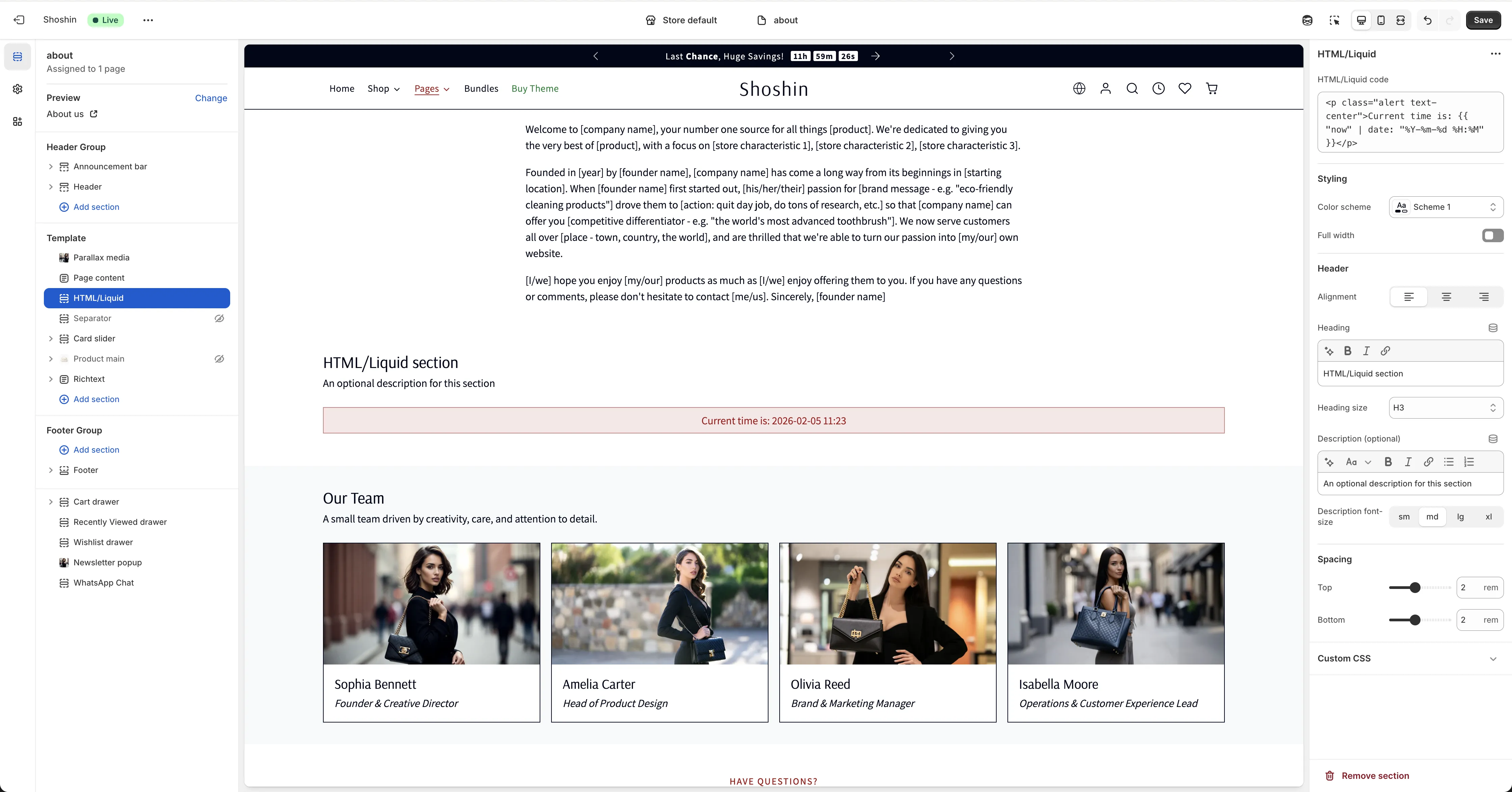
Configuration
The HTML/Liquid section is straightforward to use. Simply enter your custom HTML and/or Liquid code, and it will be rendered on your page exactly as written.
Code Input
Setting: HTML/Liquid code
Enter your custom HTML and Liquid code in this field. The code will be rendered exactly as you write it, giving you complete control over what appears in this section.
Supported Code Types
You can add the following types of code:
- HTML - Standard HTML markup for structure and styling
- Liquid - Shopify's Liquid templating language for dynamic content
HTML Code Basics
HTML allows you to structure and format your content using standard markup tags. You can use any valid HTML elements including:
- Text formatting tags like headings, paragraphs, lists, and emphasis
- Structural elements like divs and spans
- Links and images
- Custom classes and inline styles for styling
Important: Do not use document-level tags like <html>, <head>, or <body> as these are not appropriate for section content. Make sure all your HTML is valid and properly closed—unclosed tags will not be automatically fixed and may cause display issues.
Liquid Code Basics
Liquid code uses special syntax:
- Double curly braces for output: variables and filters
- Curly braces with percent signs for tags: logic and control flow
You can access:
- Global Liquid objects such as product, collection, cart, and store
- Template-specific objects when used on collection, product, or other specific pages
- Standard Liquid tags and filters for logic, formatting, and data manipulation
Important Limitations:
- Content cannot exceed 50KB
- Advanced Liquid features like layout, section, and schema tags are not available
- If non-existent or empty Liquid tags are used, they render as empty strings
Example
html
<p class="alert text-center">Welcome to our store!</p>This simple example shows basic HTML. You can also add Liquid variables and logic to create more dynamic content tailored to your store's needs.